
“Tell me and I forget, teach me and I may remember, involve me and I learn.
— Benjamin Franklin
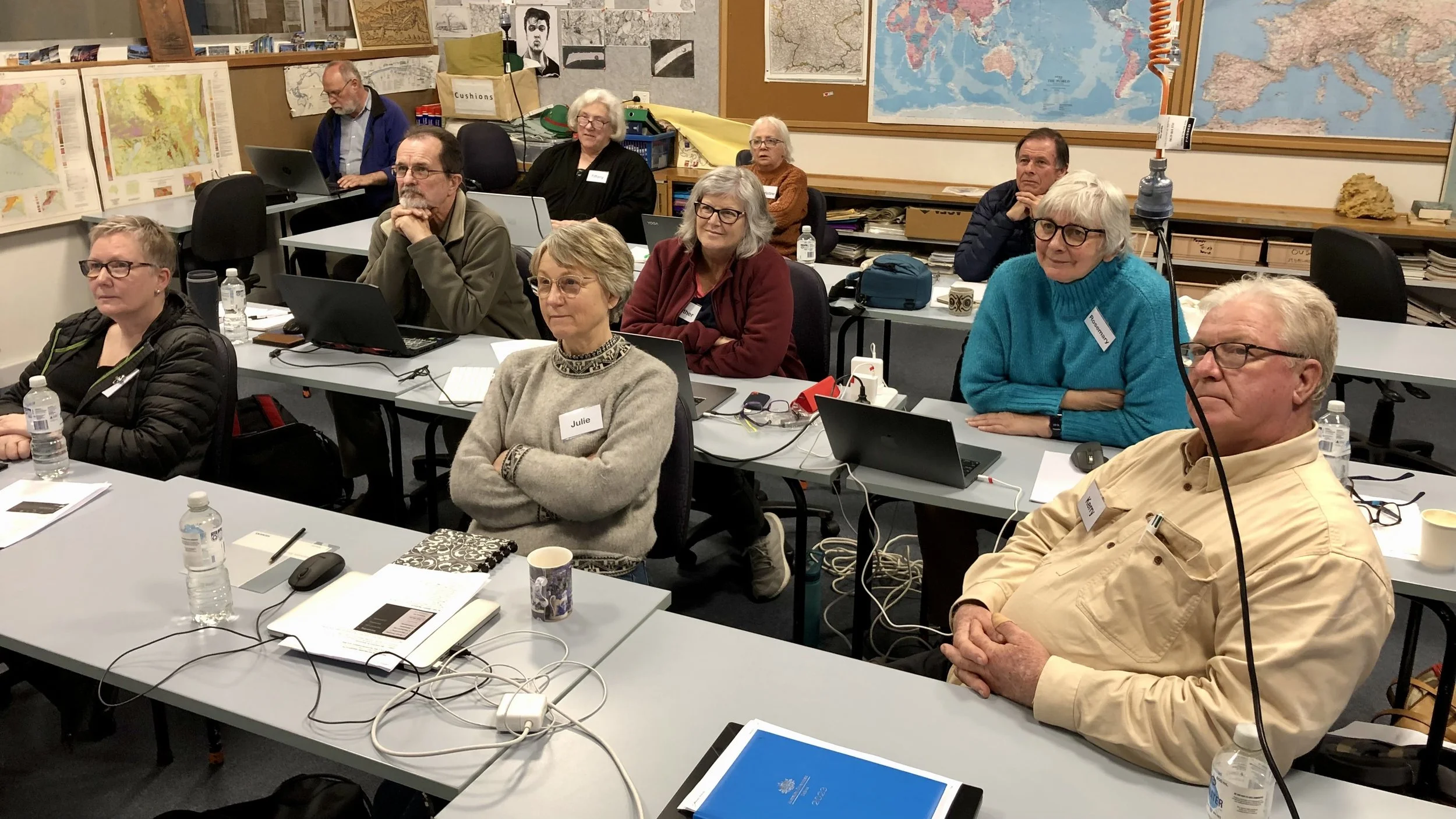
Workshops are a great way to improve your skills, meet people from other clubs, and gain inspiration from some of South Australia’s top photographers. Please note! All workshop participants are required to read and accept the Courses and Workshops Terms and Conditions available by clicking the coloured link.
2026 Workshop Schedule
Enrolments for these workshops will open one month in advance. Please continue to watch the website for any date changes and additional workshops as they are scheduled.
Street Photography 5 and 12 September — Chris Schulz. [NOTE: the dates have changed]
DxO Software - Life after Adobe - or better with it! 10 and 17 October — Alan Bevan.
Night Architecture 14 and 24 October — Robert Dettman.
Nature and Wildlife 31 October — Amanda Luker.
LrC Basics – 4 July and 25 July 2026

LrC Basics – 4 July and 25 July 2026
This course takes a practical approach to developing skills in the post processing of images using Lightroom Classic. The course is suitable for beginners as well as more competent users. It focuses on the organisation, editing and printing of images and covers the Library, Develop and Print modules. The course will focus on Lightroom Classic CC subscription version.
Tutor – Mark O’Reilly
Mark is an avid photographer who loves to share knowledge. He has a TAFE Certificate 4 in Digital Imagery and Small Business Management. Mark’s career of choice was Information Technology, and before his retirement, he worked as a Systems Administrator for companies like EDS and HP. For the last 15 years, he has owned and run a business called MOR Images, where he has photographed events such as weddings, sporting events, and social engagements. Mark has been a member of the Australian Photographic Society for 10 years and of the Adelaide Camera Club for 3 years. He has also conducted tutorial classes for small groups on how to use their camera equipment.
Requirements
Participants must bring their own laptop with Lightroom Classic loaded. A subscription to Lightroom Classic is available from https://www.adobe.com/au/ for $A14.29 per month and includes Photoshop. A seven-day free trial is also available from the website. Please do not confuse Lightroom Classic with Lightroom, as they are separate software programs.
Due to the requirements of Gartrell Church Hall, you must bring your laptops fully charged.
The position of the power points does not allow for laptop connections. The use of power boards or extension cords is not permitted due to OH&S requirements.
Session 1 Program: Saturday 4 July 2026
Location: Gartrell Church Hall, Cnr Alexandra Avenue and Prescott Terrace, Rose Park
Time: 12 pm – 4 pm
This session will cover the following topics:
Introduction to Adobe Lightroom software:
Hardware requirements and an overview of the workspace,
Raw files and file types,
Lightroom configuration,
Views: grid, loupe, compare, survey, people, sort
Collections: Types of Collections
Library Module:
The histogram,
Quick develop panel,
Keywording, metadata and comments,
Importing files into Lightroom from camera, card reader or hard drive
Exporting to a storage disk and location,
Sizing an image
File naming and settings.
Print Module:
Printing, soft proofing,
Page setup,
Printer setup,
Adding a border
Session 2 Program: Saturday 25 July 2026
Location: Gartrell Church Hall, Cnr Alexandra Avenue and Prescott Terrace, Rose Park.
Time: 12 pm – 4 pm
This session will cover the following topics:
The Develop Module:
Basic adjustments – white balance, slider controls, auto, B&W and HDR buttons, tone slider, presence,
Global adjustments
The Histogram
The five overlay tools include Edit, Crop and Straighten, Remove, Red Eye Correction, and Masking.
Tone curve,
Colour mixing and grading,
Detail panel including noise reduction,
Lens profile corrections and using defringe
Transform, lens blur and effects panels,
Other Information
Basic troubleshooting,
Optimising performance
Cost
$100 per person. Coffee breaks and lunch are at the participant’s own expense. A café is located on the ground floor of the State Library.
Parking
There is plenty of parking available. The entry to the main car park is off Prescott Terrace behind the church.
Payment
Payment can be made using your credit or debit card, or via PayPal. If you are reading this on the PDF version, please visit the SAPF website https://www.sapf.org.au/courses for more information.
Agreement
Please read the SAPF Workshops and Courses – Terms and Conditions attached to this document (also available on the SAPF website under ‘Workshops’). Registering and paying for the course assumes you accept these terms.
Enquiries
Contact the SAPF Course Coordinator (Margaret Phillips), coursecoordinator@sapf.org.au